Coming Soon · iPad
iPad App

Sorcerer's Note

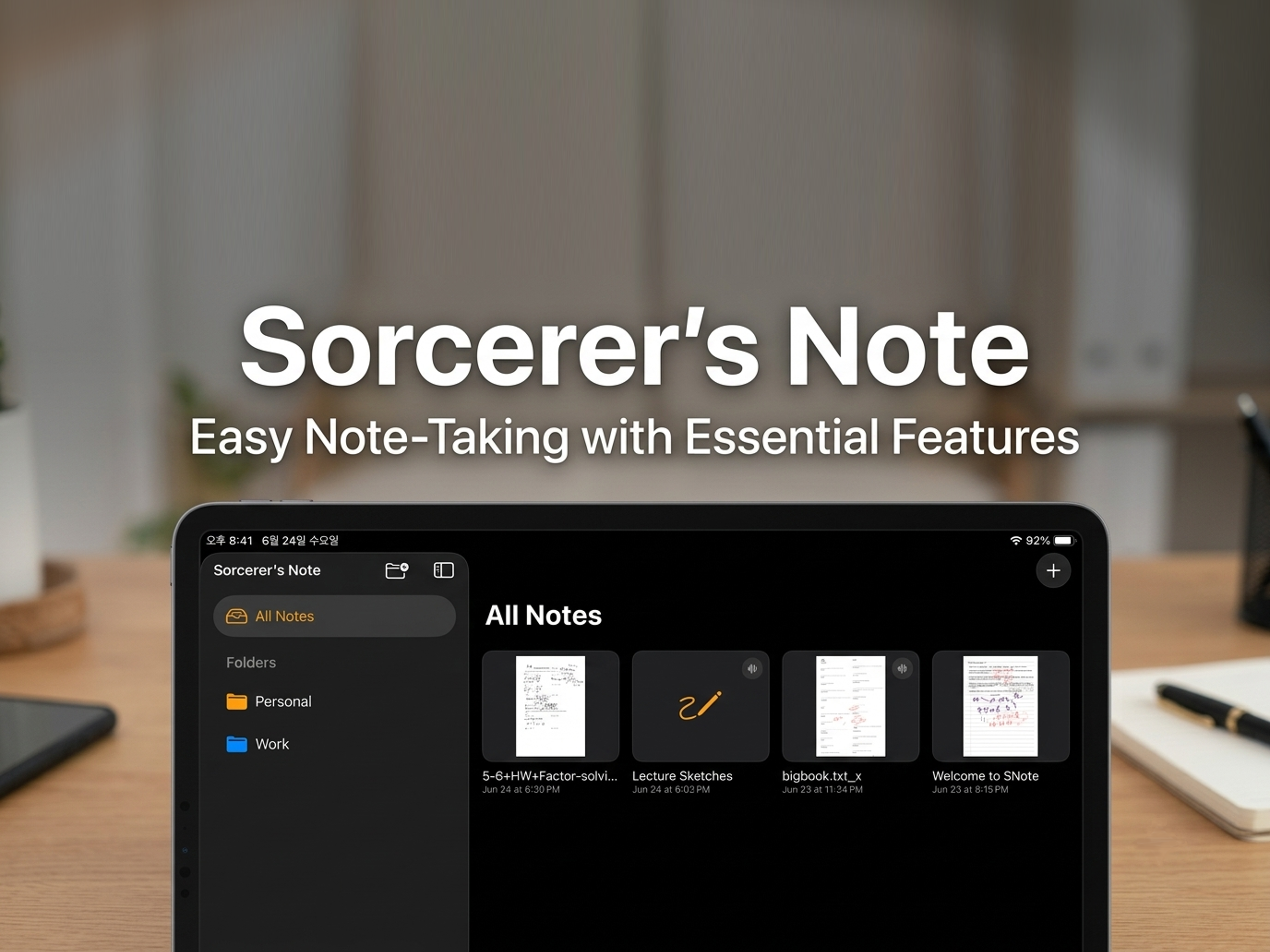
The most natural way to capture your thoughts on iPad — with the full power of pen, voice, and video, all in one place.
Sorcerer's Note – handwriting Sorcerer's Note – PDF annotation Sorcerer's Note – recording
iPad App

Write, Record,
and Share

Sorcerer's Note combines free-form handwriting, PDF annotation, audio recording, and video export into one seamless experience — designed from the ground up for iPad.

  • ✏️ Free-form Pen Notes
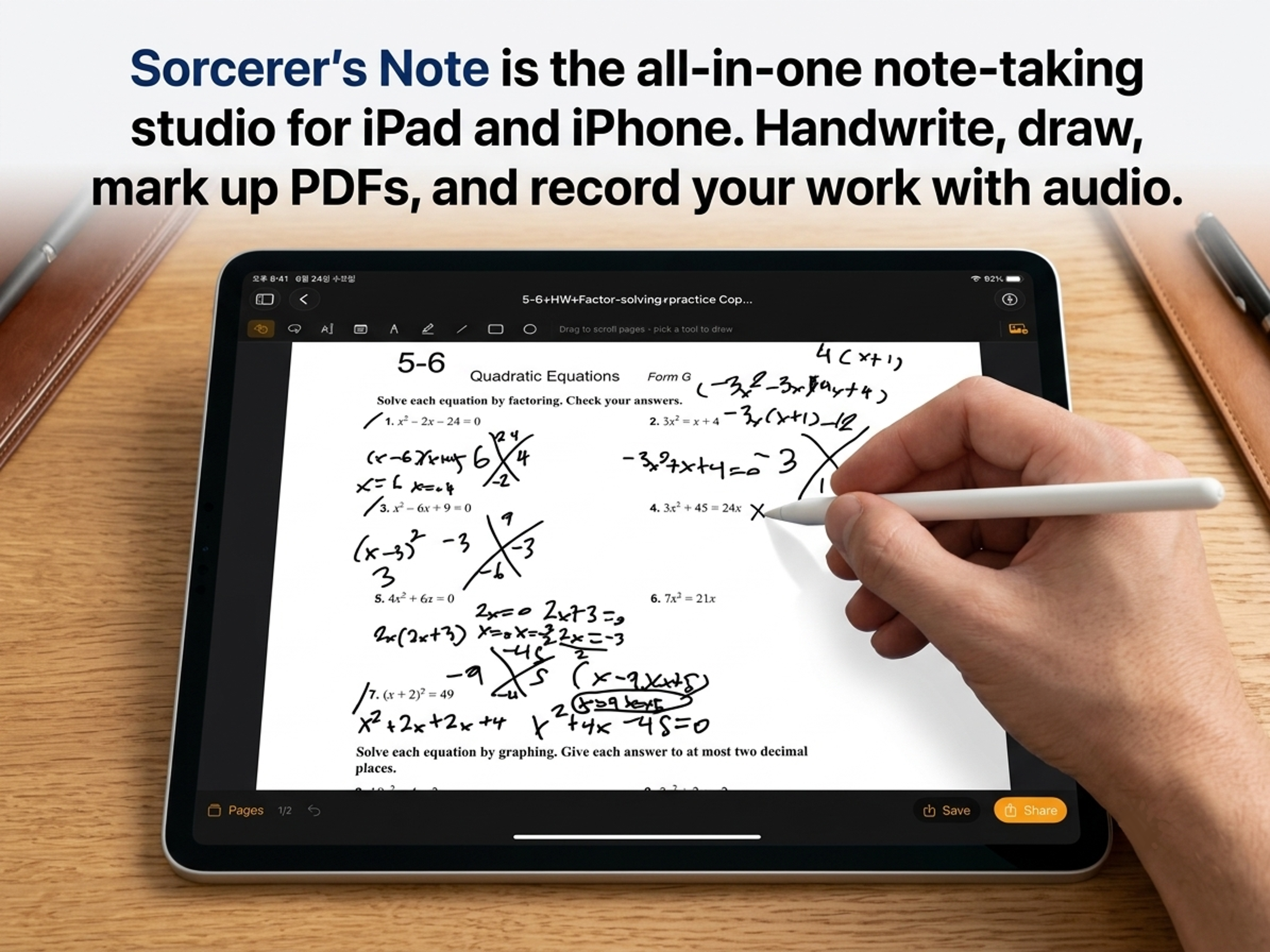
    Write, sketch, and annotate freely with your Apple Pencil — just like paper, but smarter.
  • 📄 PDF Annotation
    Import any PDF and write directly on top of it. Mark up documents, textbooks, or contracts with your own handwriting.
  • 🎙️ Record & Write Simultaneously
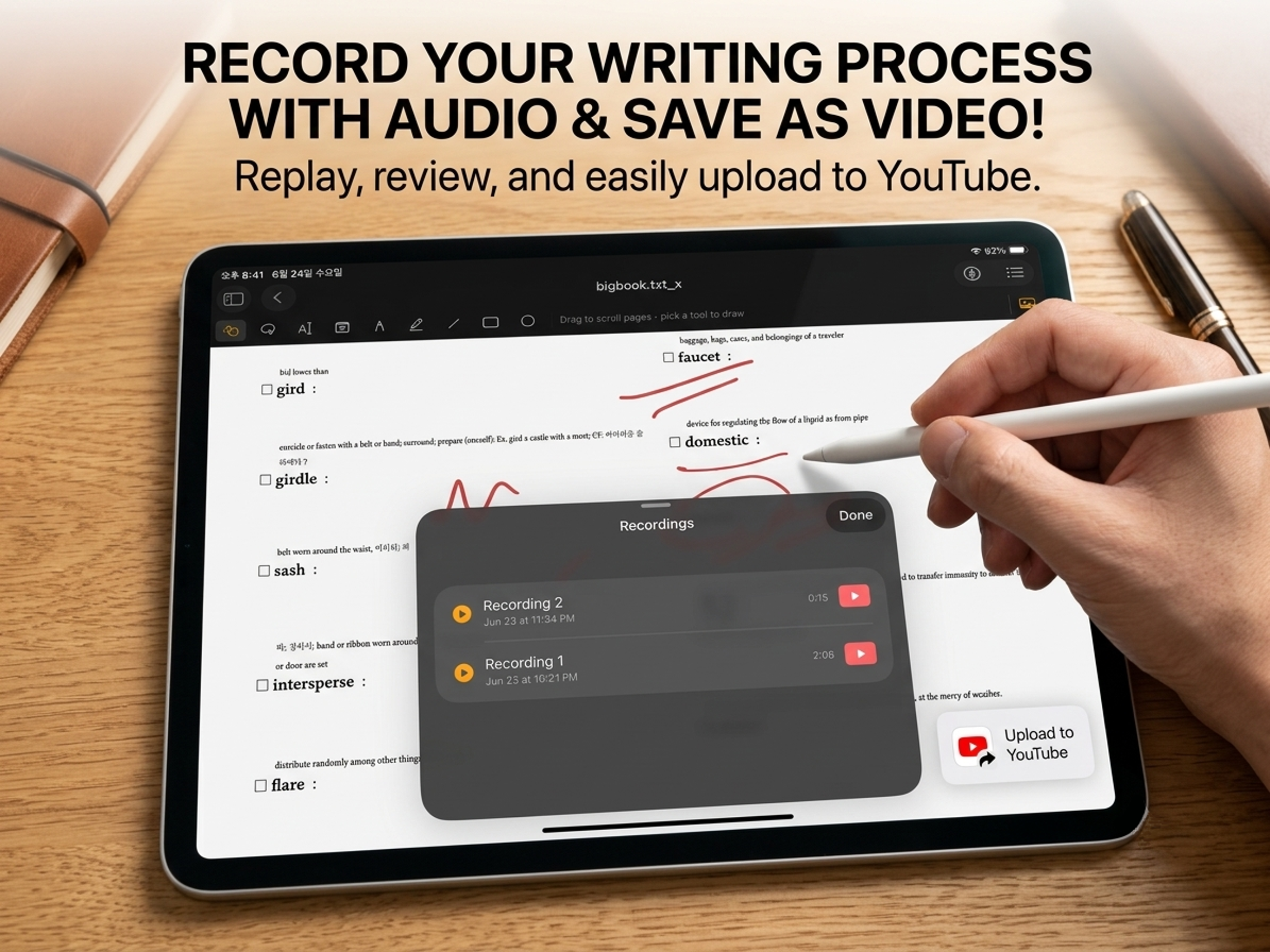
    Start a recording and take notes at the same time. Every stroke is time-synced to the audio so nothing gets lost.
  • ▶️ Replay Your Sessions
    Play back your entire note-taking session as a video — see every pen stroke re-drawn in sync with the audio, exactly as it happened.
  • 📤 Share & Upload to YouTube
    Export your session replay as a video and upload it to YouTube to create study materials, lecture recordings, or tutorials.
Key Features

Everything in One App

✏️

Free-form Pen Notes

Unlimited canvas for handwriting and sketching with your Apple Pencil.

📄

PDF Annotation

Import PDFs and annotate them directly with your own handwriting.

🎙️

Audio Recording

Record lectures or meetings while writing — every stroke is time-stamped to the audio.

▶️

Session Replay

Watch your notes come to life as a video replay, stroke by stroke in perfect sync.

📤

YouTube Export

Upload your session video directly to YouTube to share or archive your work.